
Paste the original and revised versions
Compare two versions of a paragraph with one changed word and inspect the highlighted difference.

Compare text or code locally and review differences side by side.
Processed privately in your browser.
A text comparison reveals insertions, deletions and modifications, but results can change when whitespace normalization is enabled.
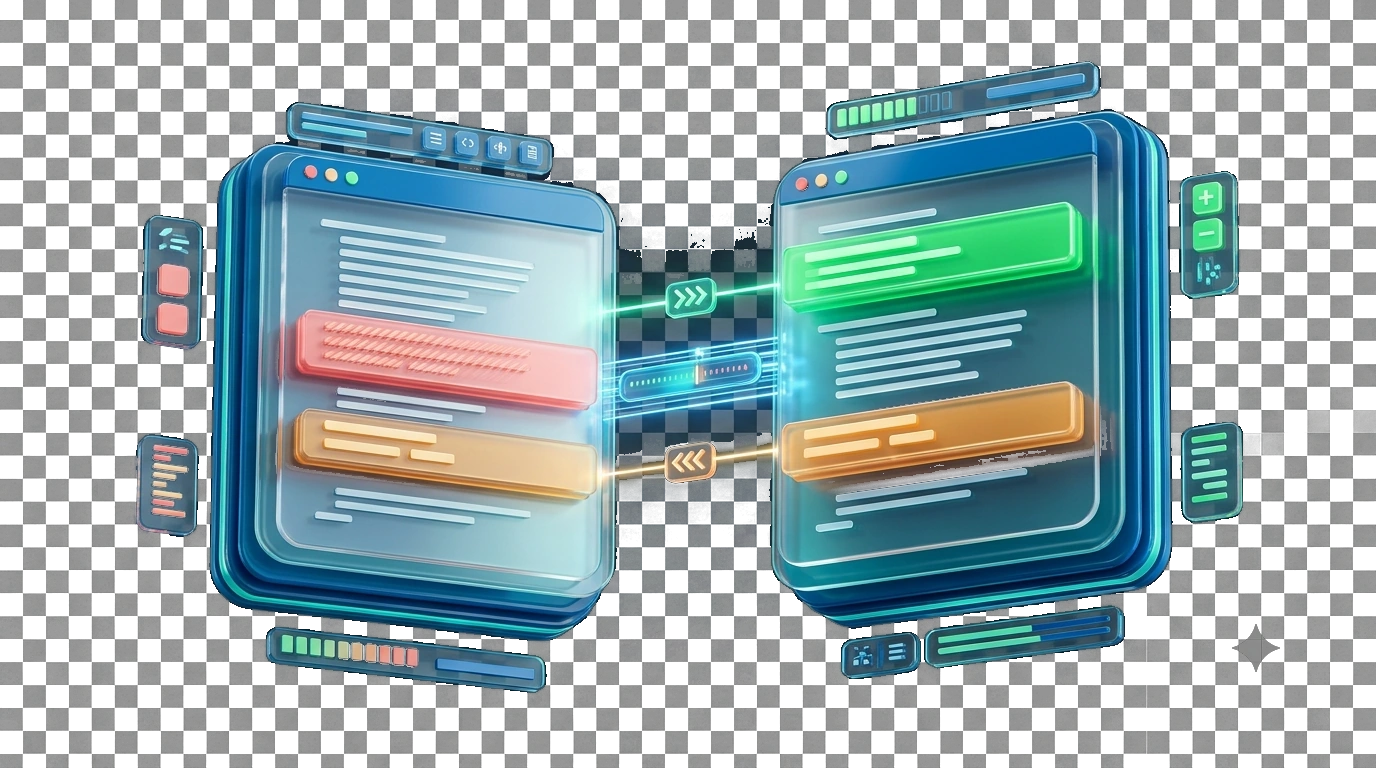
Compare two versions of a paragraph with one changed word and inspect the highlighted difference.
Review changes between two drafts or code snippets.
Whitespace options can affect what counts as a change.
Compare two versions of a paragraph with one changed word and inspect the highlighted difference.
Changing timeout=30 to timeout=60 should appear as a meaningful difference. A trailing space or line-ending change may also appear depending on normalization settings.
Use the real tool above to verify the result. The example illustrates the workflow, not a guaranteed outcome.
Changing timeout=30 to timeout=60 should appear as a meaningful difference. A trailing space or line-ending change may also appear depending on normalization settings.
Do not assume a displayed match means two files behave identically. Different encodings, ignored whitespace or parser differences can matter.

A text comparison reveals insertions, deletions and modifications, but results can change when whitespace normalization is enabled.
A text comparison reveals insertions, deletions and modifications, but results can change when whitespace normalization is enabled.
Compare two versions of a paragraph with one changed word and inspect the highlighted difference.
Changing timeout=30 to timeout=60 should appear as a meaningful difference. A trailing space or line-ending change may also appear depending on normalization settings.
A text diff highlights insertions, removals or changed portions between two versions. For example, changing a configuration line from timeout=30 to timeout=60 should appear as one modified setting, helping reviewers identify what to test. It does not prove that 60 is a valid value for the application. Choose which pane represents the old version and which represents the new one; reversing them swaps added and removed labels and can confuse code reviews.
Whitespace options matter. Two snippets can behave the same while showing differences in indentation, trailing spaces or line ending style. Conversely, whitespace changes can be important in Python, Markdown or structured formats. Before ignoring whitespace, ask whether it has semantic meaning for the language being compared. A moved block may be reported as deleted in one place and added in another rather than as a conceptual move, depending on the algorithm.
A typical unified diff shows context lines around changes and uses plus and minus markers for additions and deletions. A line number identifies where the tool observed the change, not necessarily where a programmer should apply a fix if other edits occur simultaneously. If a large file appears completely changed after a small edit, inspect encoding and line endings first. Converting CRLF to LF across the whole file can obscure the substantive modification that a reviewer actually cares about.
A useful documentation example is comparing two privacy-policy drafts. The comparison may show that a new advertising-cookies paragraph was inserted, but a human still must check that the statement is accurate. Similarly, comparing SQL migration scripts can reveal removed columns but cannot guarantee database safety. Read the changed lines in context and run the appropriate domain-specific tests before approving the revision.
When pasting code for comparison, remove tokens, credentials and personal information first. A browser-based diff may work locally, but a pasted secret can still appear in screenshots or copied outputs. Keep a named baseline and a proposed version so another reviewer can reproduce the comparison. Where copy/export is supported, retain a short summary of the meaningful changes rather than treating a colored highlight image as sufficient documentation. The goal is to support review, not replace it.
If an HTML generator creates a new landing page, a diff against its previous version can show changed titles, script URLs and CTA links. Review those edits before deploying, especially if the new page changes privacy wording or analytics behavior. If a generated file contains timestamped comments, those can create distracting differences even when the meaningful page remains unchanged. The reviewer should focus on semantic changes while retaining the exact underlying files needed to reproduce the comparison.
A code review can contain a line that looks unchanged but has an extra trailing space, a tab replacing spaces or a different newline format. Use whitespace-sensitive comparison when such details matter, and a relaxed view when you are mainly checking prose wording. For configuration files, a tiny character change can be significant even if it is difficult to see visually. Test a short known pair first—one inserted line and one deleted line—to understand the output markers. The diff shows differences between the two submitted versions; it cannot infer which is correct or whether either version is secure.
For a JSON configuration, changing "enabled": false to "enabled": true changes behaviour even though only one word differs. Conversely, converting an entire file from CRLF to LF can produce many visually noisy differences without altering the logical settings. Choose whether your comparison is about literal bytes, syntax or user-facing prose before deciding which changes matter. A useful review isolates one meaningful difference and then inspects its impact separately.
Formatting-only changes can hide or exaggerate meaningful differences in code or prose.
Windows CRLF and Unix LF store newlines differently; a byte-level comparison may show changes even when rendered text looks the same.
No. It compares supplied content; chronology requires separate version history or timestamps.
Windows and Unix line endings use different byte sequences. Some comparison modes display those differences even when text looks identical.