
STUDENT / LEARNING
Student Tools
Typing practice, exam-style mocks and quick study helpers without unnecessary clutter.
Practice for understanding, not only scores
Practical steps, clear examples and useful limits — so you can choose the right tool and trust what you download.
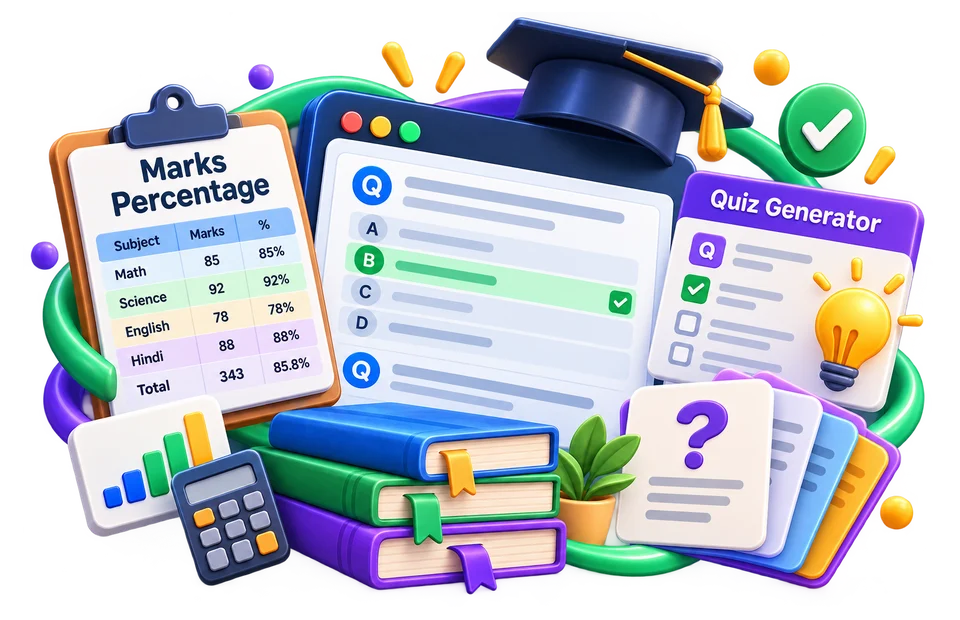
Study tools support practice, revision and checking, but they cannot replace a trusted syllabus or teacher. Decide whether you want to test recall, improve typing accuracy or work from a specific set of notes.
Choose the right starting point
A useful practice session combines retrieval with feedback. A score shows how many answers matched a key, but it does not explain which ideas need revision.
A practical example
Use quizzes to recall definitions and relationships from your notes. After a mistake, look up the supporting sentence and rewrite the concept in your own words.
What to check before sharing the result
Typing practice is about accuracy and consistency as well as speed. Short, regular exercises usually provide clearer feedback than one long session completed while tired.
Accuracy, quality and limitations
Question generators can draft material quickly, but automatically generated answers must be checked against the supplied facts before use in graded work.
Tools for student workflows
Use Smart Quiz Generator to turn suitable notes into practice questions and World Quiz for its available question sets. Typing Test measures speed and errors; it does not assess mastery of the text being typed.
Pick the next student task
For an exam revision session, use a short set of topics, answer without looking and review mistakes afterward. A long quiz built from thin source material may repeat the same fact rather than broaden coverage.
- World Quiz & Exam Practice — Subject practice and Indian exam-specific mock tests with multilingual review.
- Typing Test — Timed typing with Easy, Medium, Hard and Normal, Strict or God Mode.
- Hindi InScript Tutor — Learn real Hindi InScript physical keys, matras, half letters, conjuncts and speed.
- Smart Quiz Generator — Turn notes into quick revision questions.
Before sharing a generated quiz, compare every answer against the source notes. A high typing speed with frequent errors should not be interpreted as strong writing or subject knowledge.
Practical verification: For an exam revision session, use a short set of topics, answer without looking and review mistakes afterward. A long quiz built from thin source material may repeat the same fact rather than broaden coverage. If a quiz question has two plausible answers, refine or replace it rather than accepting an automated key. For typing errors, check keyboard layout and input language before assuming your skill suddenly declined.
Make the right choice before you begin
Study tools are most helpful when they encourage recall and feedback rather than only showing a score. A typing test measures a particular session; a quiz generated from notes depends on the quality of those notes and questions. Decide whether you want speed practice, concept review or exam familiarity before choosing a tool. For typing, accuracy often improves with steady pace and good posture rather than constant retries at maximum speed. Compare scores only when the test length and difficulty are similar.
See how the workflow works in practice
When generating practice questions, start with a short factual passage and verify each answer against the original source. A polished multiple-choice question can still be ambiguous or contain a plausible but wrong explanation. For exam practice, check the intended syllabus, marking pattern and current official guidelines. A casual browser quiz is not a substitute for authenticated previous-year papers. Review your mistakes after the session and write a short note about why the right answer is correct; this usually teaches more than repeating the same set unchanged.
Check the output before relying on it
You can turn a short session into a repeatable routine by choosing a limited topic, attempting questions without hints, reviewing the answers and then revisiting missed concepts later. For typing, note the keys or words that repeatedly slow you down and practise those patterns separately. Do not mistake a high short-test result for consistent skill under time pressure. A useful progress log records date, duration, accuracy and the material used. Over time, small comparisons with similar conditions can help you plan the next practice session.
Frequently asked student questions
Should I practice with a quiz or typing test?
Use Smart Quiz Generator to turn suitable notes into practice questions and World Quiz for its available question sets. Use the specific tool settings described above, and check your actual input and saved output before proceeding.
How do I check automatically generated questions?
Before sharing a generated quiz, compare every answer against the source notes. Use the specific tool settings described above, and check your actual input and saved output before proceeding.
Can phone typing scores be compared with desktop?
On a phone, the virtual keyboard can distort timed typing comparisons with physical-keyboard sessions. Keep device conditions consistent if you compare progress across days.
What if quiz answers are ambiguous?
If a quiz question has two plausible answers, refine or replace it rather than accepting an automated key. For typing errors, check keyboard layout and input language before assuming your skill suddenly declined.
