
Supply study notes on the intended subject
Provide a short set of study notes and check every generated question against the source.

Turn your notes into practice questions, then download a printable PDF or editable Word worksheet with an optional answer key.
Question generation from study notes should be checked against the source because wording can overgeneralize or omit important qualifiers.
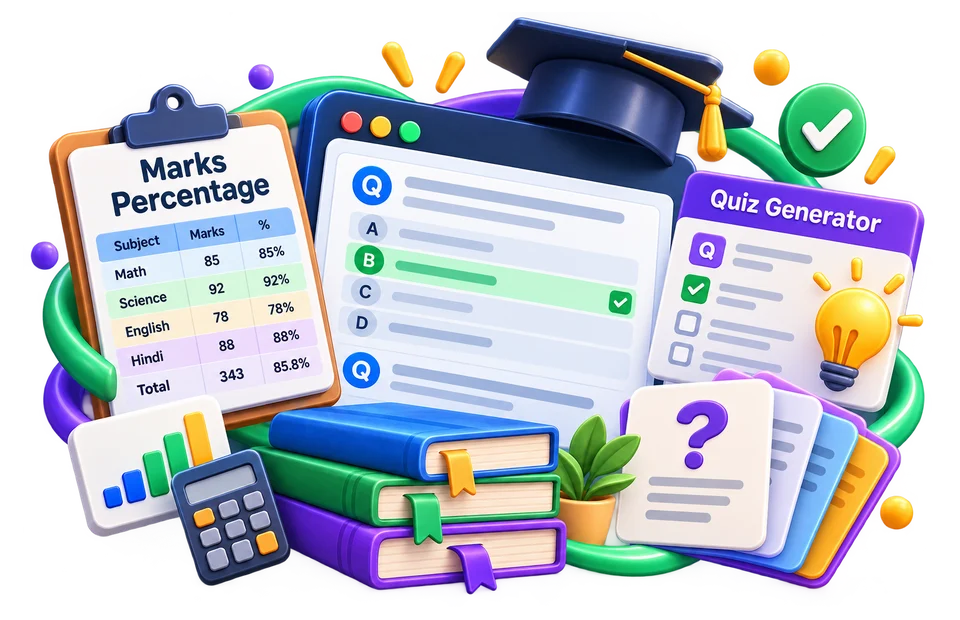
Provide a short set of study notes and check every generated question against the source.
Create revision questions from study notes.
Generated questions should be checked against the source notes.
Provide a short set of study notes and check every generated question against the source.
A passage describing an event's year and causes can support factual recall questions. A source that mentions only the year cannot justify an invented question about eyewitnesses.
Use the real tool above to verify the result. The example illustrates the workflow, not a guaranteed outcome.
A passage describing an event's year and causes can support factual recall questions. A source that mentions only the year cannot justify an invented question about eyewitnesses.
Automatically produced questions may contain ambiguous phrasing or incorrect options. Review them before giving the quiz to students.

Question generation from study notes should be checked against the source because wording can overgeneralize or omit important qualifiers.
Question generation from study notes should be checked against the source because wording can overgeneralize or omit important qualifiers.
Provide a short set of study notes and check every generated question against the source.
A passage describing an event's year and causes can support factual recall questions. A source that mentions only the year cannot justify an invented question about eyewitnesses.
Generating questions from study notes is valuable only when the resulting questions actually test the information provided. Suppose a note says "Photosynthesis converts light energy into chemical energy in plants." A suitable question might ask which energy conversion is involved; a question demanding an unrelated historical date would not be grounded in that note. Short, specific source paragraphs often produce clearer questions than a large mixed document containing several topics. Check which input form the page supports, and do not assume the tool fetches books or verifies facts externally.
Different question types assess different skills. Multiple-choice items can test recognition, while short-answer items can test recall or explanation. A strong distractor should be plausible but clearly wrong given the source. If all incorrect options are absurd, a student can pass without understanding the lesson. After generation, review every correct answer and its wording against the original notes. A plausible-sounding generated option is not evidence that a scientific or historical claim is true.
For a basic biology example, asking "What gas do plants take in for photosynthesis?" tests recall. Asking how changing light intensity might affect a plant's observed rate requires more reasoning and background assumptions. Difficulty should reflect cognitive work, not merely longer sentence length or rare vocabulary. If a quiz displays answers during the test when they should be hidden, it undermines assessment use. Preview the student-facing version separately from the teacher's answer key wherever that distinction exists in the tool.
A short practice set of five questions should be checked for duplicate prompts and for answer placement. If every correct answer appears in the same option position, learners may notice a pattern. Randomization should not accidentally disconnect answers from their questions. Score interpretation also matters: three correct out of five is 60%, but that result says little about mastery if questions cover only one small subsection of a course.
Treat generated quizzes as practice aids rather than official examinations. Teachers should verify each question, align it to the syllabus and remove ambiguous wording before distributing it. Students can use wrong answers to identify revision topics, then return to textbooks or their own notes for clarification. Avoid uploading confidential student records or unpublished examination material unnecessarily. For revision sessions, keep both the original notes and the corrected quiz so errors can be traced to a source sentence instead of circulating as facts.
A one-paragraph definition rarely supports twenty meaningful, non-repetitive questions. If you need a longer quiz, use sufficiently varied source notes covering causes, examples, exceptions and applications. Otherwise a generator may restate the same fact in multiple forms, making the quiz look longer without assessing more understanding. Review topic coverage by mapping each question back to a particular sentence or concept in the notes. A blank or unsupported source section should be identified, not filled with confident invented information.
A quiz question can look plausible yet contain two defensible answers when its wording leaves out a key condition. For example, “Which is the largest country?” must specify whether largest means land area or population. Review each prompt and its options before assigning it as graded work. A generated answer key is a convenience, not an independently verified textbook reference. Test a quiz with a few sample users and edit confusing distractors. For repeated classroom use, save the final approved version and separately track which questions were changed after students saw the first draft. Avoid relying on the tool for high-stakes examination scoring without review.
Once you have generated your quiz and checked the questions against your notes, choose Download PDF for a printable worksheet or Download Word (.docx) for a document you can edit. Both exports use the questions shown on screen, without generating different answers during download.
Each document includes a modest DoKitly header with the site name and dokitly.in, plus a footer for identification when a worksheet is printed or shared. Use the Include answer key checkbox when you need a teacher copy; leave it unchecked for student handouts. In Word, you can change question wording, marks and instructions before distributing it.
The files are prepared in your browser using local PDF and Word document libraries. Always review the questions, answers and source-note limitations before sharing a quiz. These exports do not validate the correctness of the generated content; they simply give you a practical printable or editable format.
No. Verify them against the study material before assigning or sharing the quiz.
Yes. Plausible-looking alternatives may be factually wrong in unintended ways; check both the correct answer and every distractor.
Ask whether more than one option becomes valid under a reasonable reading of the question.
Yes. Verify key facts with reliable learning materials before treating them as teaching answers.